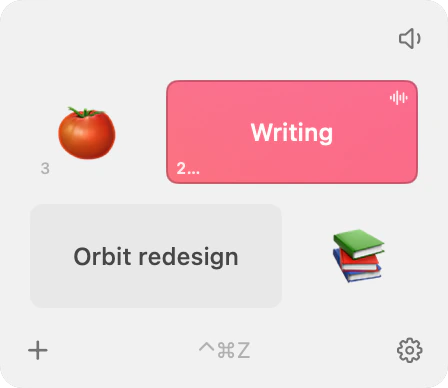
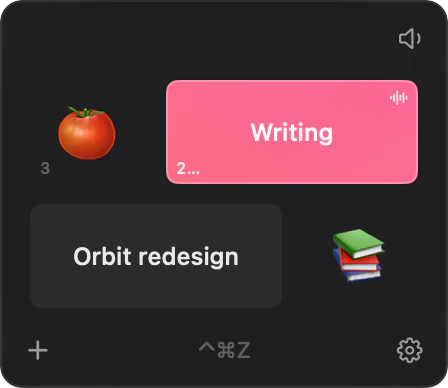
Pick a tile. Start the clock.
A pomodoro timer and time tracker for the Mac menu bar. Summon it with a hotkey, start a timer, and it’s gone before you lose your train of thought.

 macOS 14 or later · 4 MB
No account, no ads, no tracking
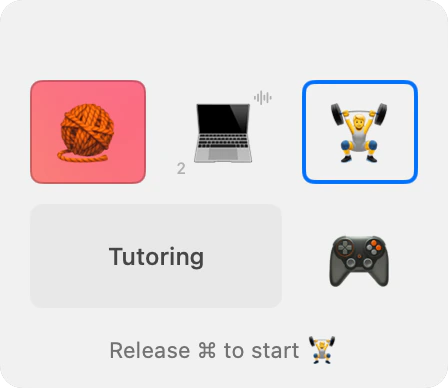
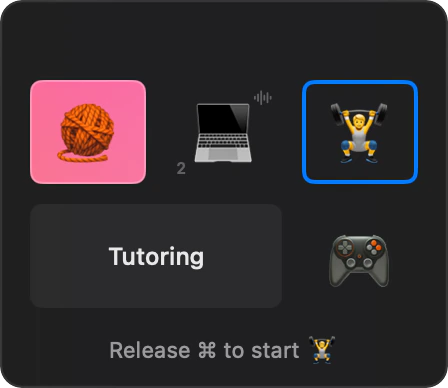
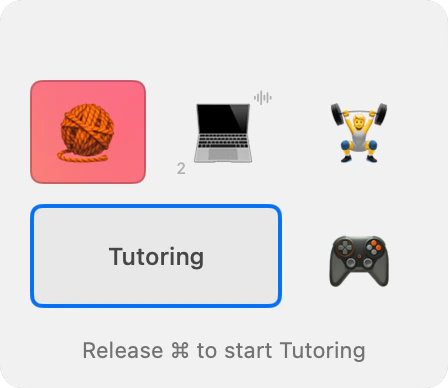
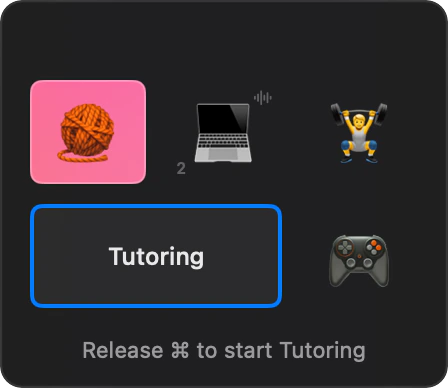
Command-Tab, but for timers.
Hold ⌘ and press the shortcut (⌃⌘Z by default): the window opens. Press again and the timer you used last is selected; keep pressing to move through the rest. Let go of ⌘ and the timer starts, the window closes, and your cursor is right where you left it.
Changed your mind? Keep pressing past the last timer and let go on “close”. Nothing starts and nothing is logged.
The mouse works too: click a tile to start or stop it, right-click to edit, drag to reorder.
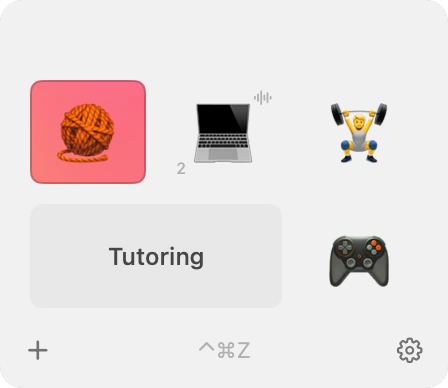
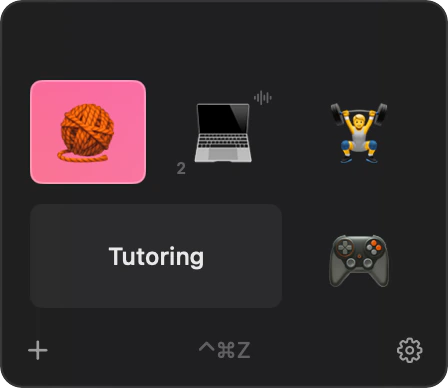
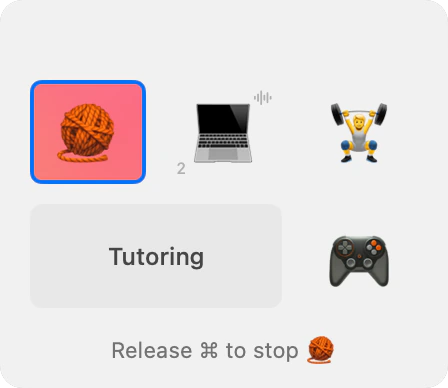
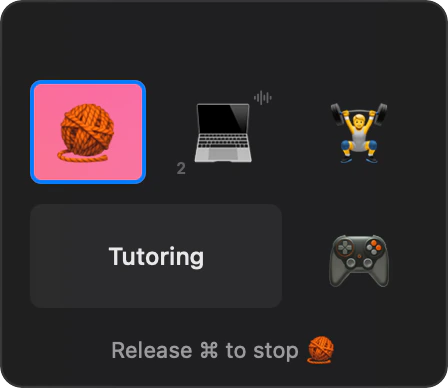
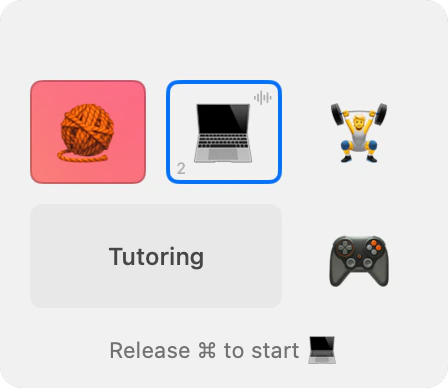
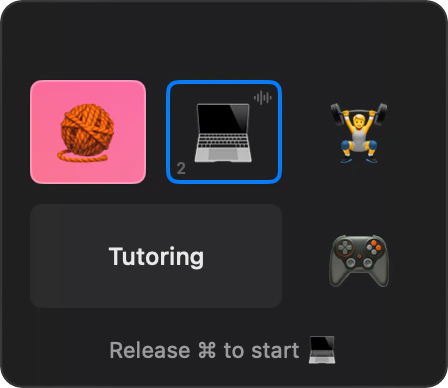
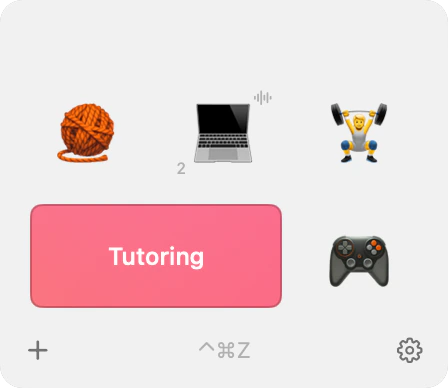
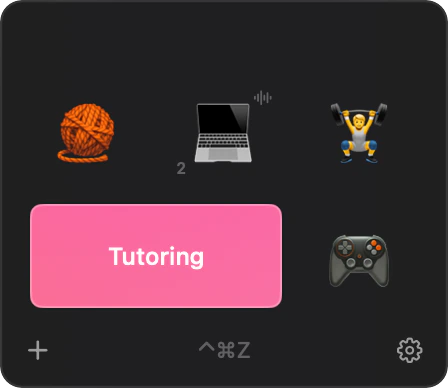
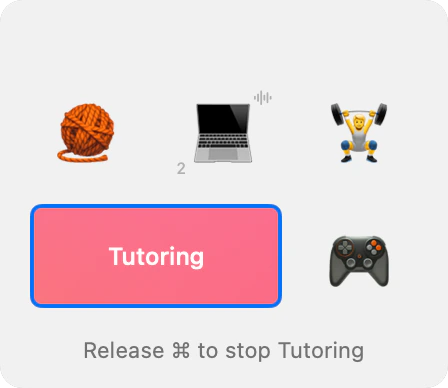
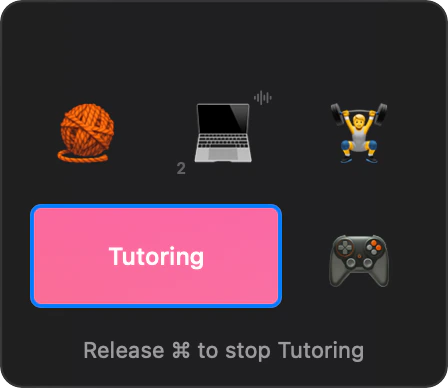
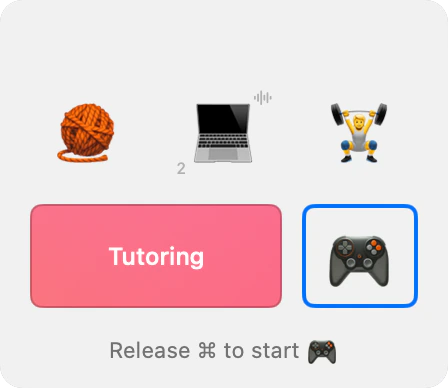
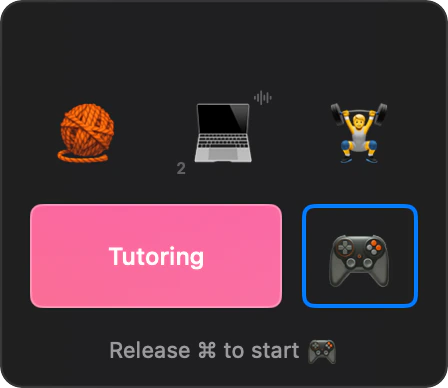
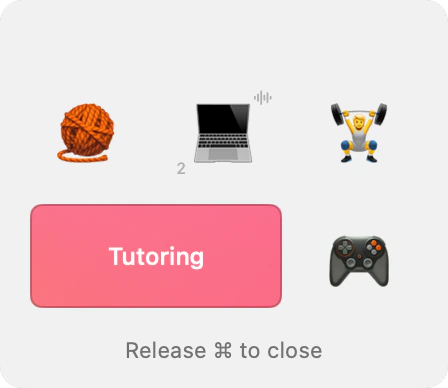
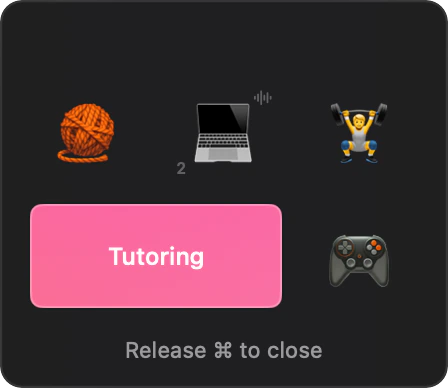
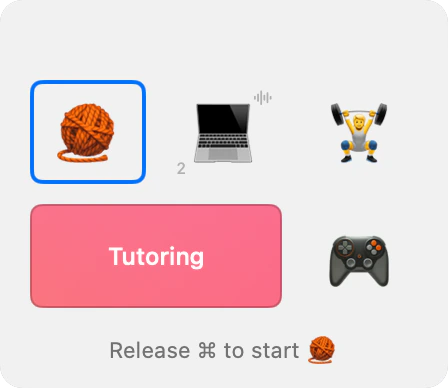
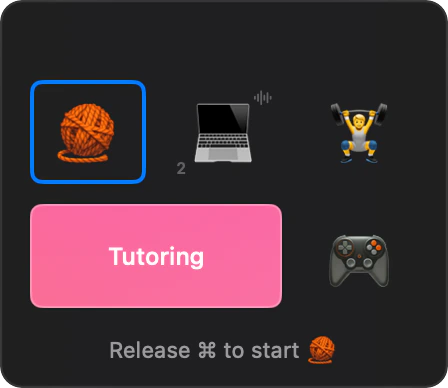
25(30):5 is a whole timer.
You type intervals instead of filling in a form. 25:5 is 25 minutes of work and a 5-minute break. Add more colons for longer cycles: 25:5:25:15. A number in parentheses is what gets logged: 25(30):5 runs for 25 minutes and records 30, which helps when you bill by the half hour.
Turn the countdown off, and the timer is a stopwatch. A small number on each tile counts today’s cycles.
Brown noise, built in.
Switch it on for a timer, and it plays while you work and stops for breaks. It’s generated as it plays, so there’s no loop to notice. On a call? The speaker button silences it until the timer stops.
running in your browser
Hours that add up the way you work.
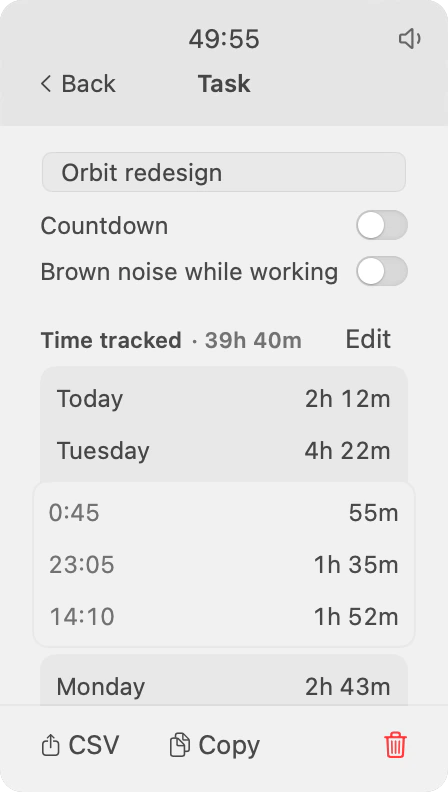
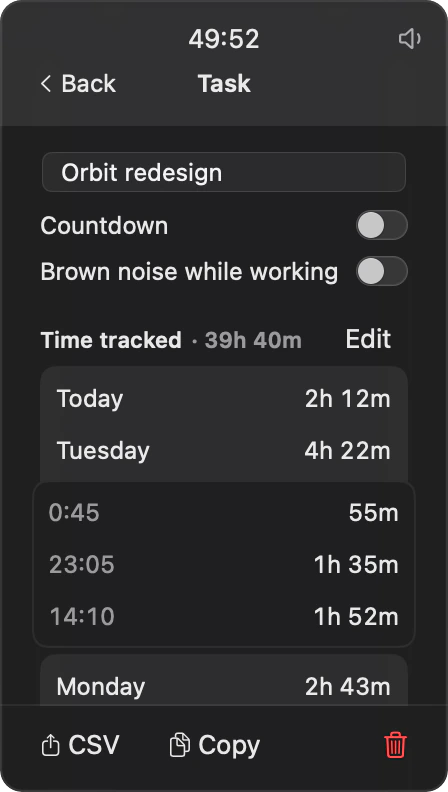
Step away for two minutes, start the timer again, and it’s still one session. Anything under a minute isn’t logged at all.
Finish at 1:40 am, and those hours count toward the day you started. A day ends when you go to sleep, not at midnight.
Need the numbers somewhere else? Copy daily totals as plain text, or export a CSV that time trackers like Toggl can import.
As visible as you want.
The menu bar icon fills up as a work interval runs and drains during a break, so you can see where you are without reading the time. Hide it, hide the Dock icon too, and Parkodoro is just a hotkey that opens a small window.
- Native
- Written in Swift for macOS. Uses next to no CPU while it waits.
- Private
- No account, no analytics, no network. Your timers and log are one JSON file on your Mac.
- Quiet
- Notifications are off until you turn them on, and even then they skip the banners.
- Small
- About 4 MB. Made by one person who uses it every day.

Parkodoro
A pomodoro timer and time tracker for the Mac menu bar