
Black Tuner
A quiet, precise tuner for guitar, bass and ukulele
iPhone and iPad · iOS 17 or later
Free, with no ads, no subscriptions, and no tracking

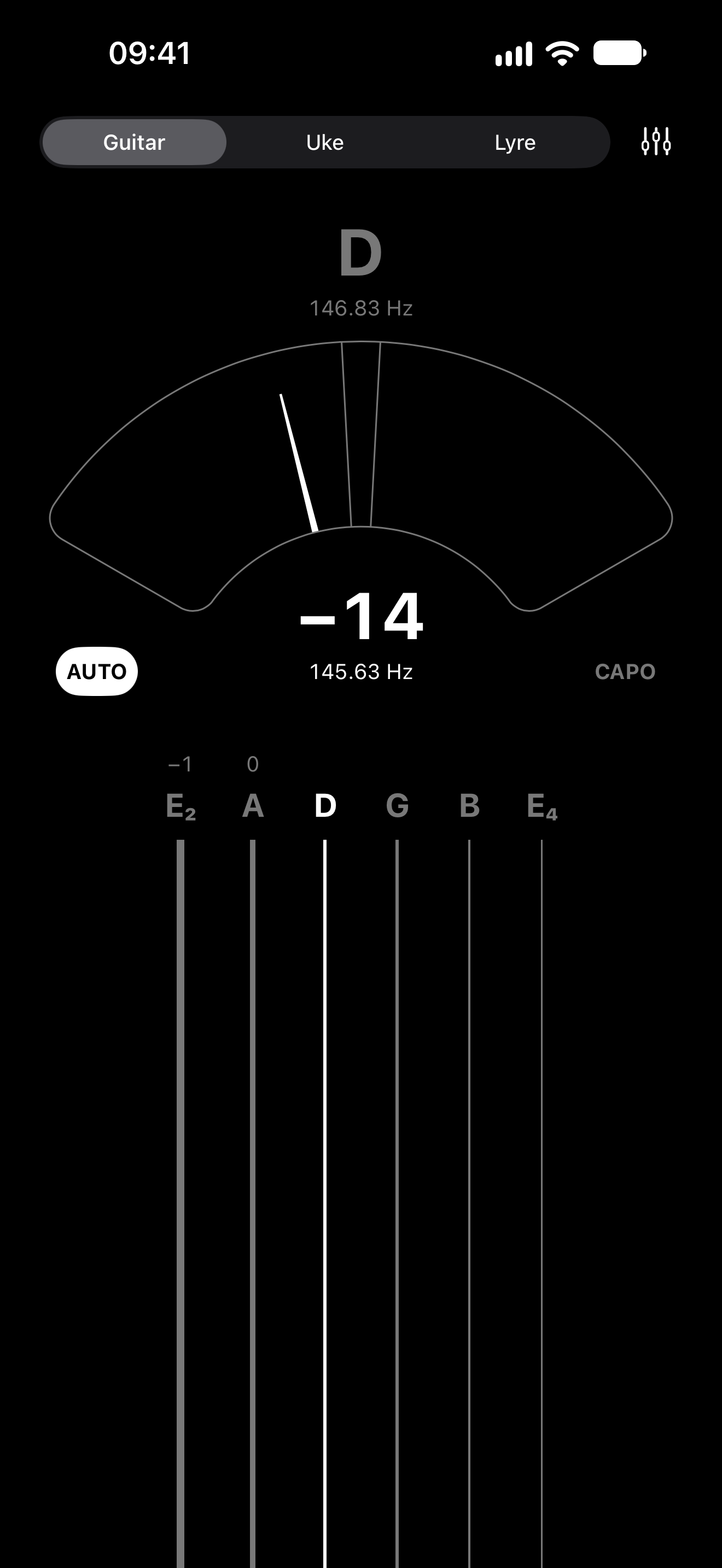
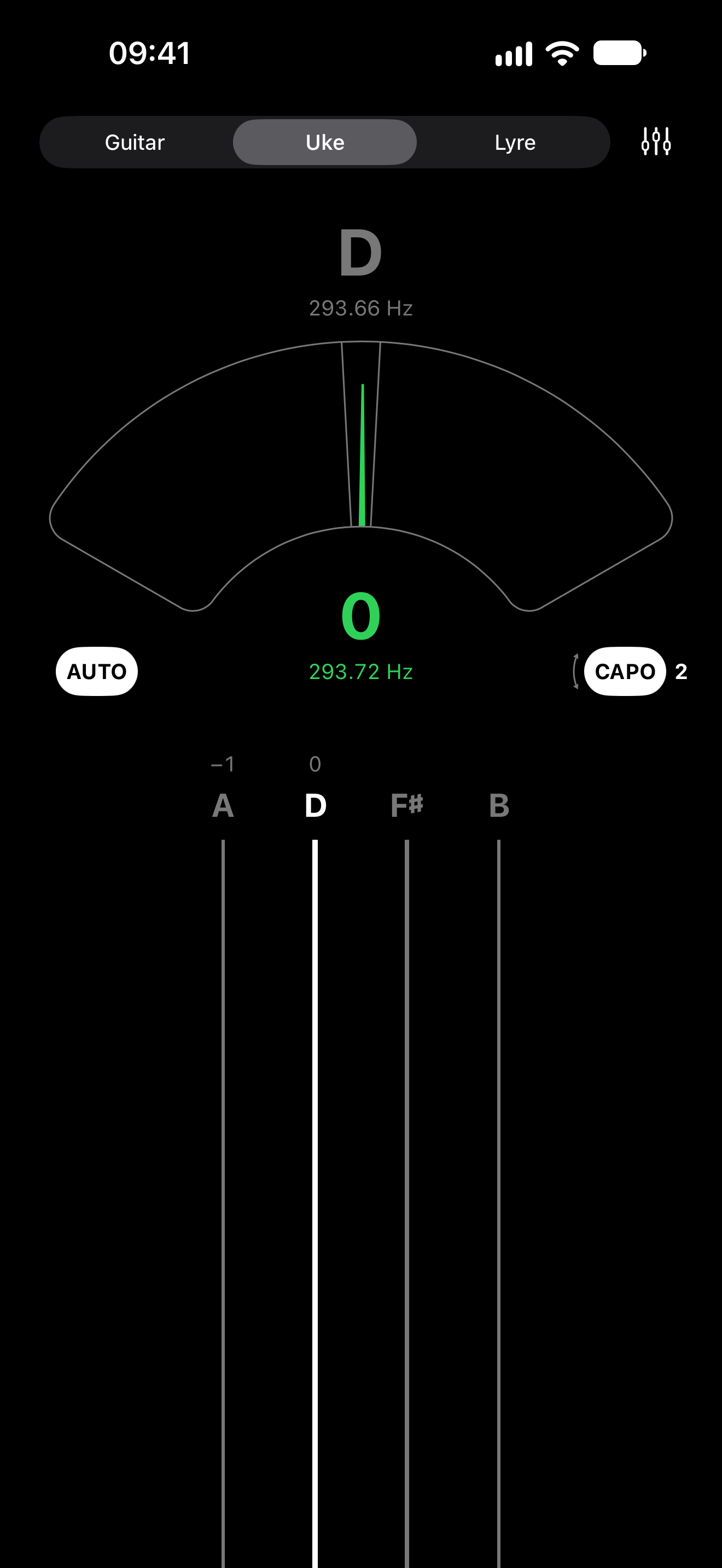
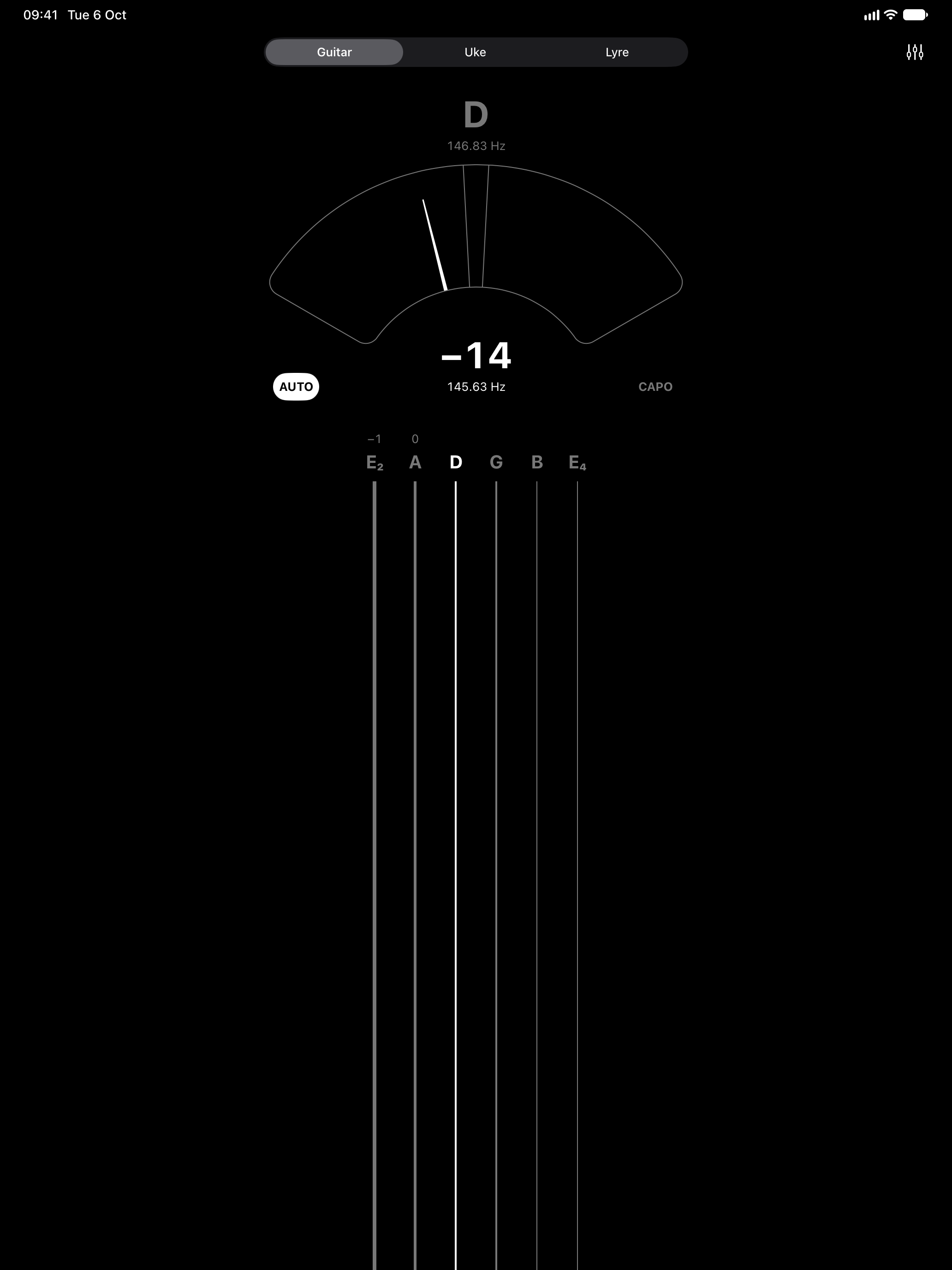
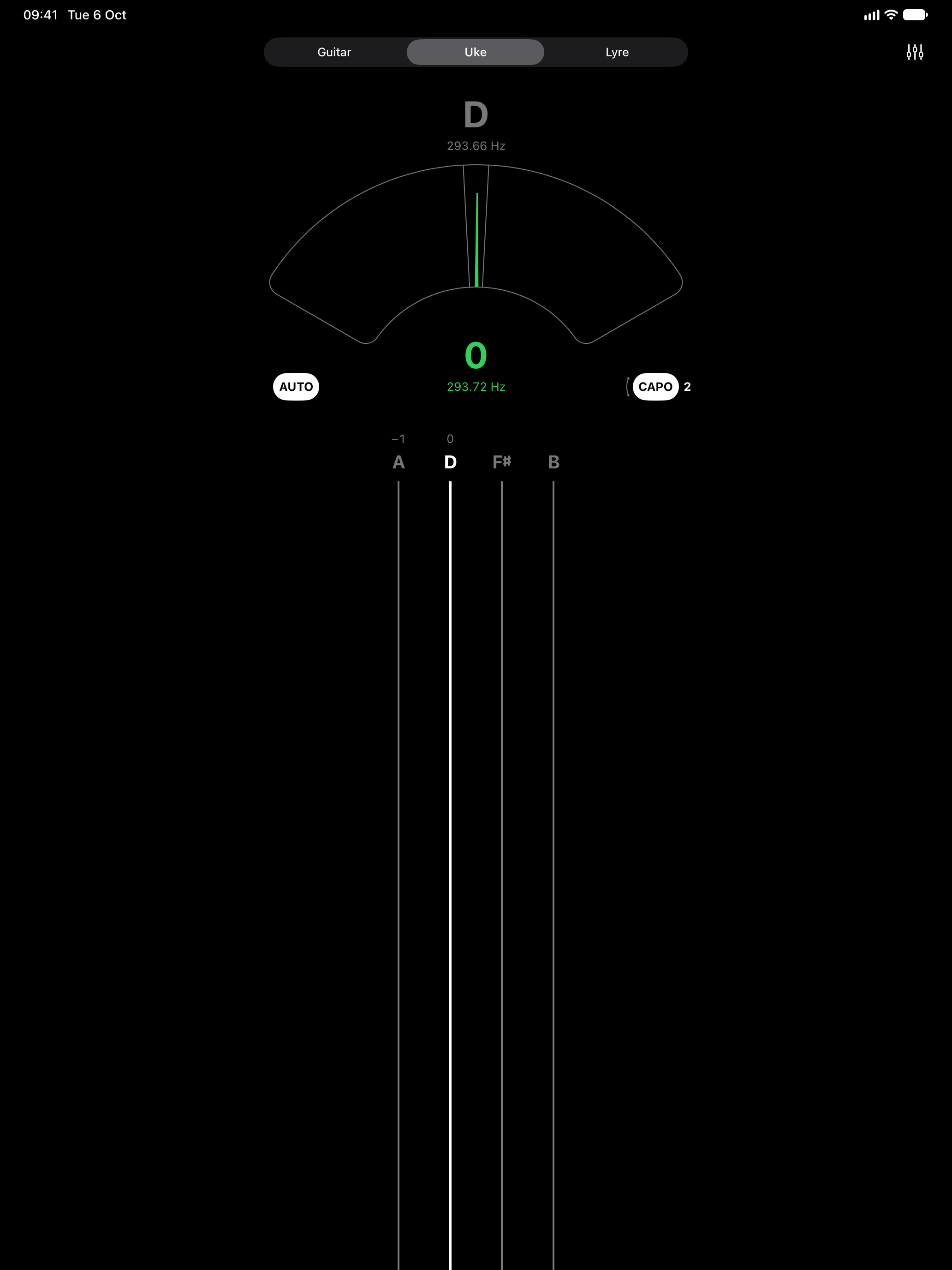
- Knows the string. Pluck any string and it finds which one, or tap a string to lock it.
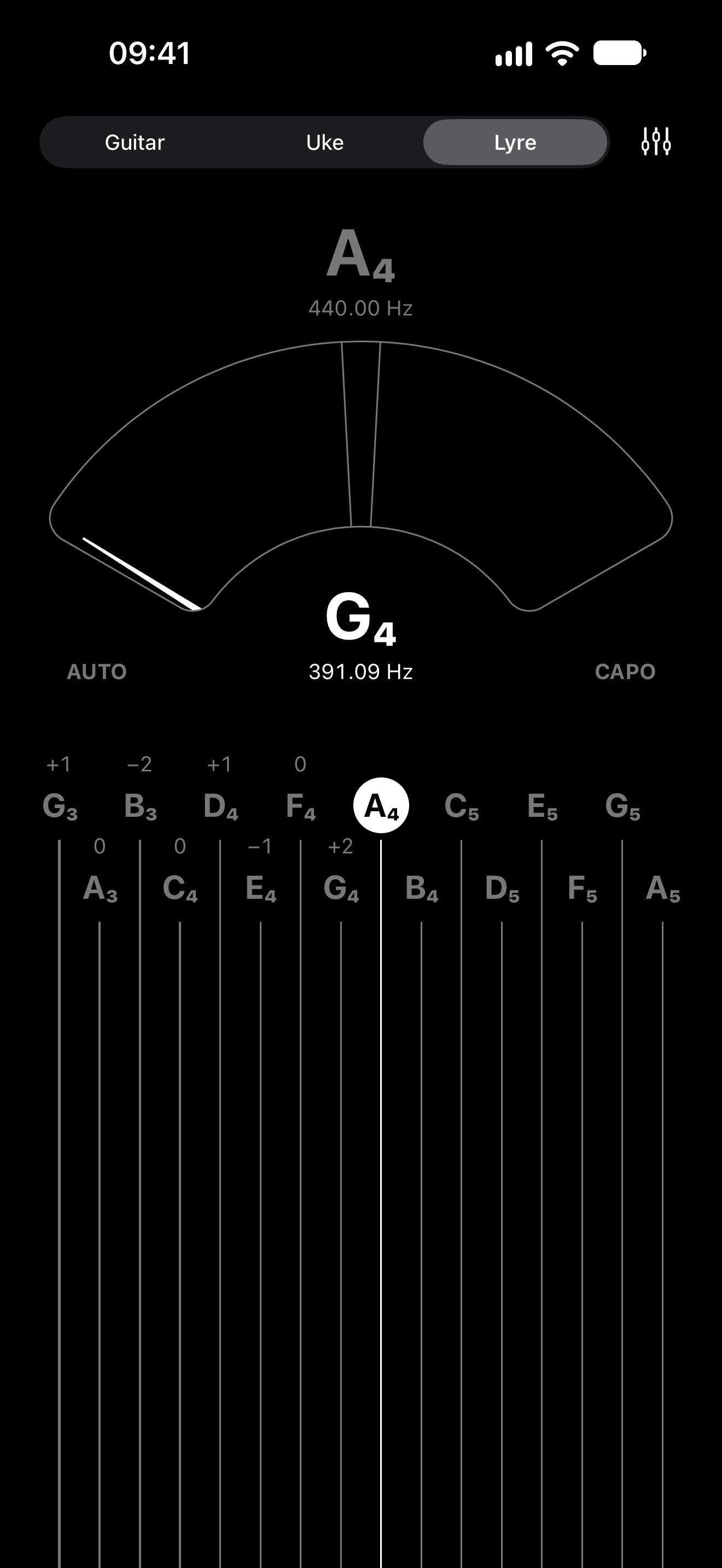
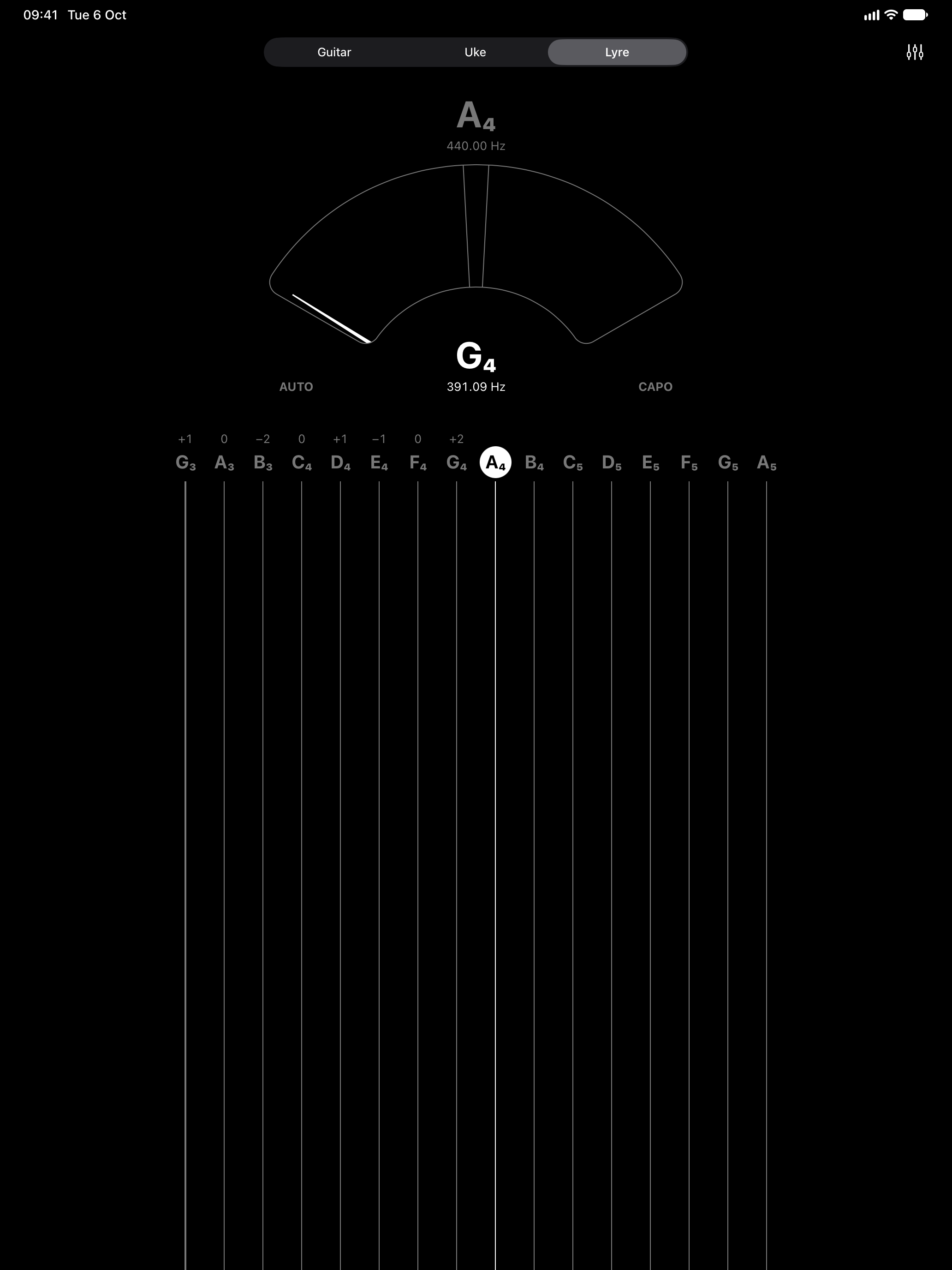
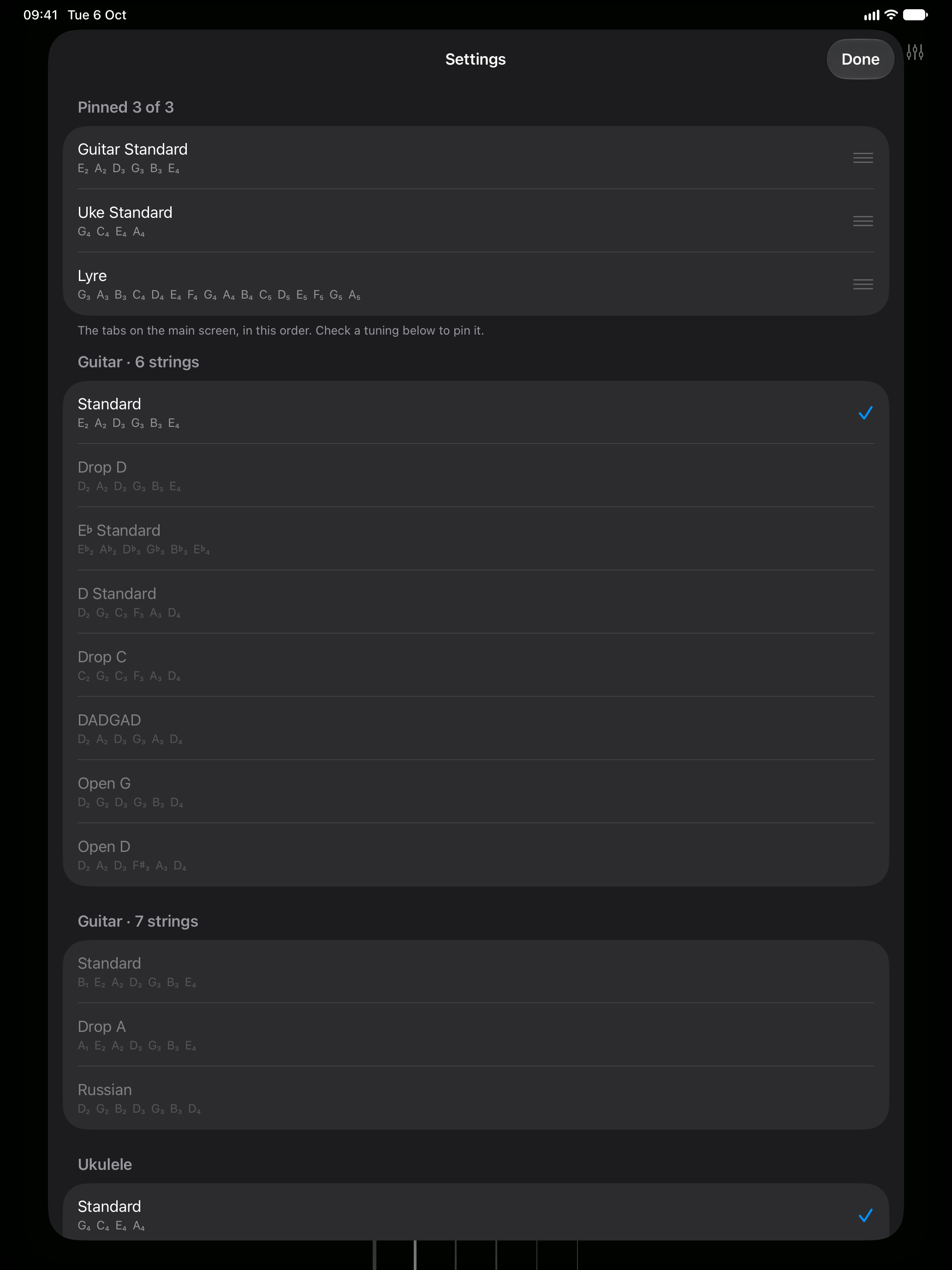
- Guitar, bass, ukulele — and your own. Tunings for 6- and 7-string guitar, ukulele and bass built in; make your own for a lyre, a mandolin or anything with strings.
- Steady in a noisy room. A voice or a TV nearby doesn't drag the reading off the string.
- Capo and intonation. Tune with the capo on; lock a string and fret the 12th to check intonation.
- Private by design. Works offline; the sound never leaves your device.
Questions
- The tuner doesn’t react
- It needs the microphone. Check Settings → Privacy & Security → Microphone → Black Tuner. If the reading stays grey, the string is too quiet for the room: play a little closer or louder.
- It picks the wrong string
- Tap the string you’re tuning to lock it; tap it again, or tap AUTO, to let the tuner choose. A locked string also accepts its 12th-, 7th- and 5th-fret harmonics.
- Tuning with a capo
- Tap CAPO, then press and slide up or down to set the fret. The strings show the notes they sound with the capo on. A capo pulls strings slightly sharp, so tuning with it in place gives you chords that are in tune at that position.
- A noisy room
- When a voice, a TV or music cuts in close to the string’s pitch, the reading stays on the string. If only the other sound is left, the reading turns grey and holds the string’s last value.
- Checking intonation
- Tune the open string to 0, lock it, then lightly fret the 12th. The number next to “×2” is how far the fretted note is off: higher means the saddle should move back, lower means forward.
- Other tunings, A4 and tolerance
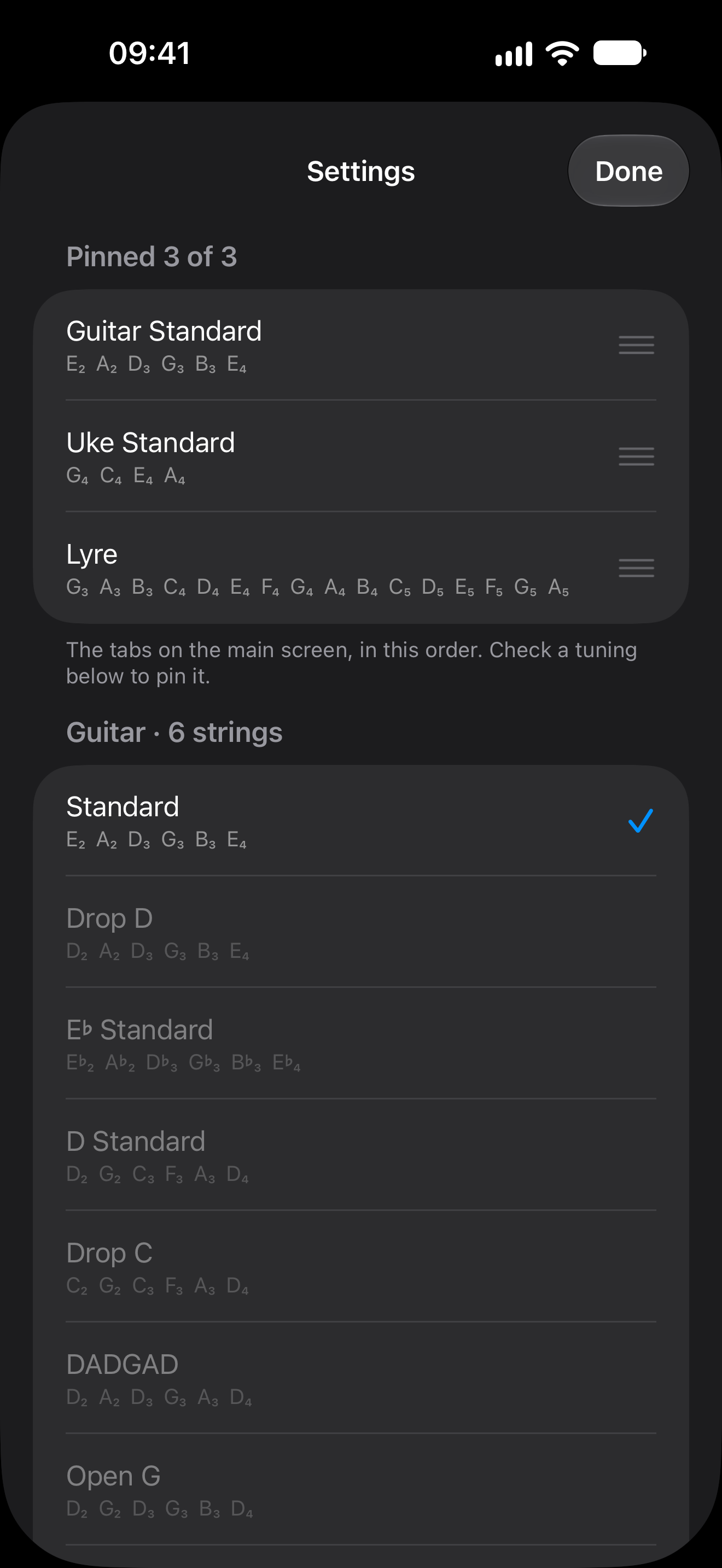
- Open settings (the slider button) to pin up to three tunings as tabs, make your own, set A4 between 430 and 450 Hz, or choose how close counts as in tune (±1, ±3 or ±5 cents).
- Sending a recording
- If the tuner misbehaves with your instrument, shake the device to open the readout, play, and tap “Save Last 10 s”. The file is in Files → On My iPhone → Black Tuner → Recordings (On My iPad on an iPad); attach it to an email and it will help find the problem.
Questions, problems, ideas: kmstrr@gmail.com